
What is an ERP? A practical guide for growing companies
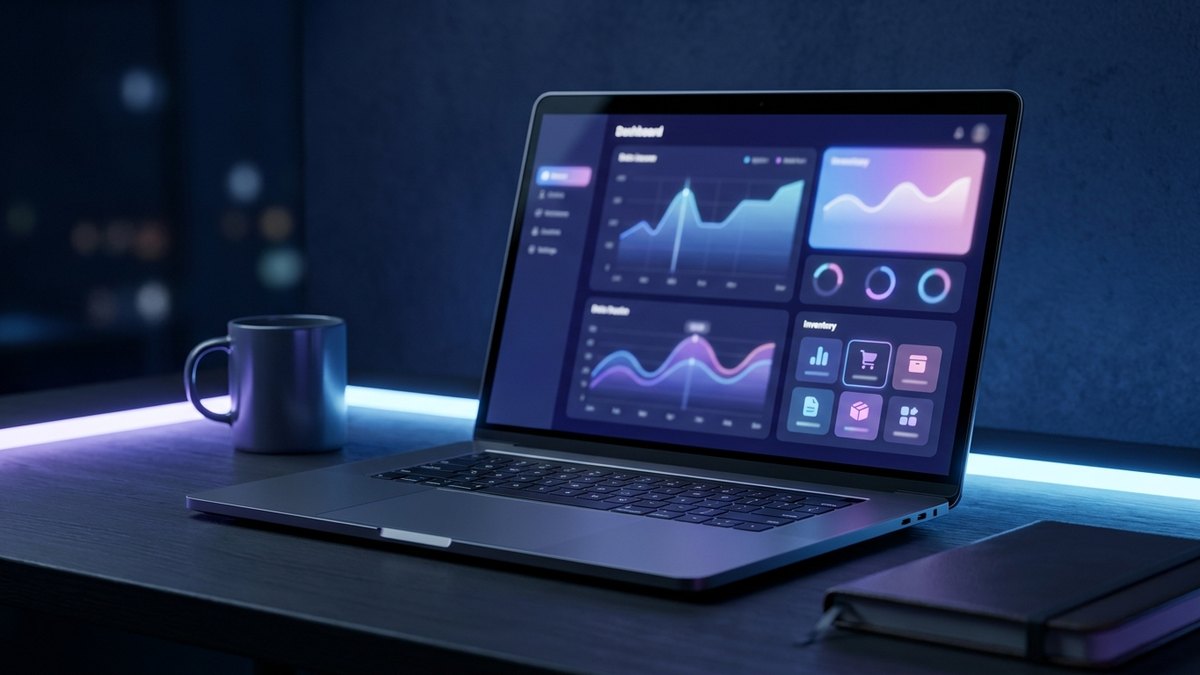
An ERP (Enterprise Resource Planning) is a system that brings together in one place a company’s key information and processes: inventory, purchasing, sales, customers, collections, billing, and reports. Instead of each area working with its own spreadsheet, the ERP connects everything so the data flows on its own and everyone sees the same picture, in real time.
Put simply: if your business feels like many islands that don’t talk to each other—sales on one side, the warehouse on another, accounting on a third—an ERP is the bridge that joins them. This guide explains, without jargon, what it is, what it’s for, and when it makes sense for a growing company.
What is an ERP for?
The core function of an ERP is eliminating double entry and giving you a single source of truth. When you record a sale, the system deducts inventory, updates collections, and feeds the results report without anyone having to copy the data three times. That translates into:
- Fewer errors. A single record per operation avoids discrepancies between the sales Excel and the warehouse one.
- Real-time information. You know how much you have in stock, who owes you, and how the month is going without waiting for the close.
- Decisions with data. Reports come out of the same system that runs the business, not from loose versions.
- Processes that don’t depend on one person. The knowledge lives in the system, not in the head of whoever “knows how.”

What’s the difference between an ERP and a CRM?
It’s a very common question. The short version: the ERP organizes your internal operation; the CRM organizes your relationship with customers.
- The ERP focuses on inventory, purchasing, production, collections, and finances: how the company works on the inside.
- The CRM (customer relationship management) focuses on prospects, sales follow-up, sales, and after-sales: how you relate to the outside.
In practice, many businesses need both to work connected, and that’s why they’re usually built on a single foundation so they share customer information without duplicating it. If you want to dig into the other side, we wrote a guide on what a CRM is.
When is an ERP a good fit for a small business?
Not every company needs an ERP from day one. It usually makes sense when signs like these appear:
- You grew with spreadsheets and they can no longer keep up: they break, versions get overwritten, or only one person understands them.
- You enter the same data several times in different systems and the numbers still don’t add up.
- You don’t have the full picture of the business without spending hours putting together reports by hand.
- Your platforms don’t talk to each other and each area operates blind to the others.
An ERP isn’t justified by fashion or by size, but when scattered information is already costing you time, money, or control.
Off-the-shelf ERP vs. custom ERP
There are “off-the-shelf” ERPs (generic products you install and adapt your company to) and custom ERPs (built around how you already work). Neither is better in absolute terms; it depends on your operation:
- An off-the-shelf ERP can work if your processes are very standard and you fit the product’s mold well.
- A custom ERP is worth it when your way of operating is part of your advantage and you don’t want to deform it to fit a template, or when you need to integrate with systems you already use.
At Normandia Web we build custom ERPs and CRMs so the system adapts to your business—and not the other way around—keeping your data, processes, and history.
Frequently asked questions about ERPs
Are an ERP and a business management system the same thing? Yes. “Business management system” is the way to refer to an ERP.
Is an ERP useful for a small company? Yes. The key isn’t the size, but how much scattered information you handle. Many businesses start with a bounded scope (for example, inventory and sales) and grow in stages.
How long does it take to implement? It depends on the scope. A good approach is to start with what’s most urgent, measure it, and expand; that way you see value in weeks, not in an endless project.
Can it connect with my billing or my point of sale? Yes. A well-designed ERP integrates with the tools you already use so as not to break what works.
Take the first step with your ERP
If you recognized your business in the signs above, you don’t need to solve it all at once:
- Spot the process that hurts most. The one that takes your hours or makes you lose sales. Start there.
- Organize that information first. An ERP amplifies clear processes; it doesn’t fix the mess on its own.
- Define what you’ll measure. Put a number on it (time saved, errors, stock shortages) before you start.
- Grow in stages. Once the first module proves its value, add the next one with what you’ve learned.
A well-designed ERP stops being an uncertain expense and becomes the backbone of your operation. If you want to see what it would look like in your company, at Normandia Web we build it with you—nearshore from Mexico, in your time zone, with the code 100% yours—starting with what’s most urgent for you.
Ready to put it to work in your company?
Tell us what’s costing you time, money or control. We’ll help you figure out where to start.
Start your consultation →